01
How should I choose between XM MT4 and MT5?
Start with the trading account platform. MT4 uses MQL4 and the MT4 EA ecosystem; MT5 uses MQL5 and a broader multi-asset analytical environment. If the account already exists, platform compatibility comes before feature preference.
02
Can the same XM trading account be used on desktop, web and mobile?
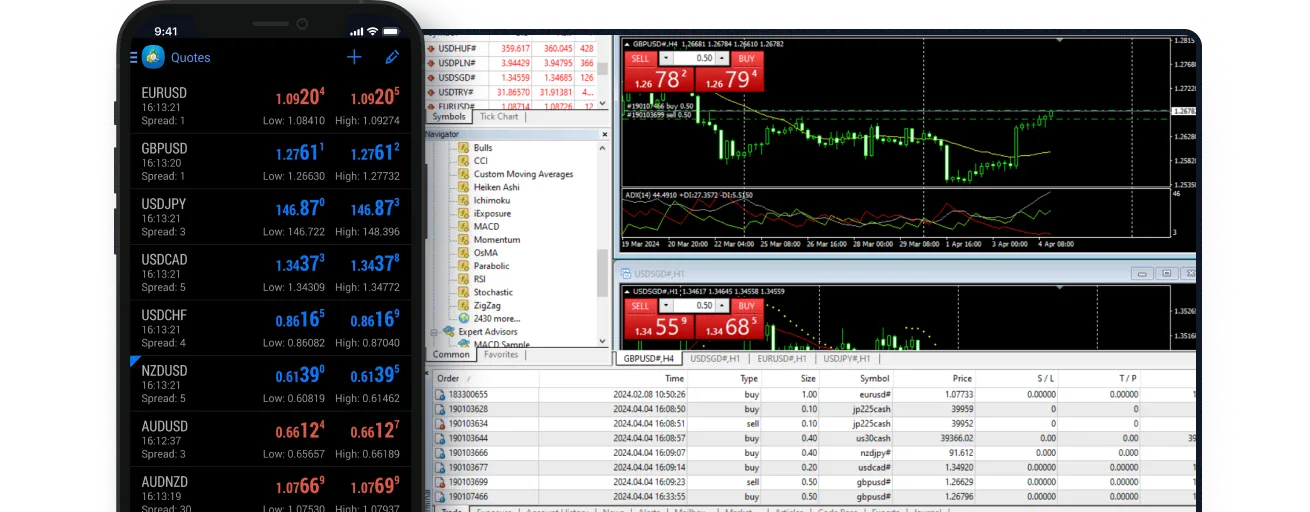
A trading account can be accessed through compatible desktop, WebTrader and mobile terminals for its platform. The platform and server must match; MT4 and MT5 should not be treated as interchangeable login environments.
03
Which devices does XM MT5 support?
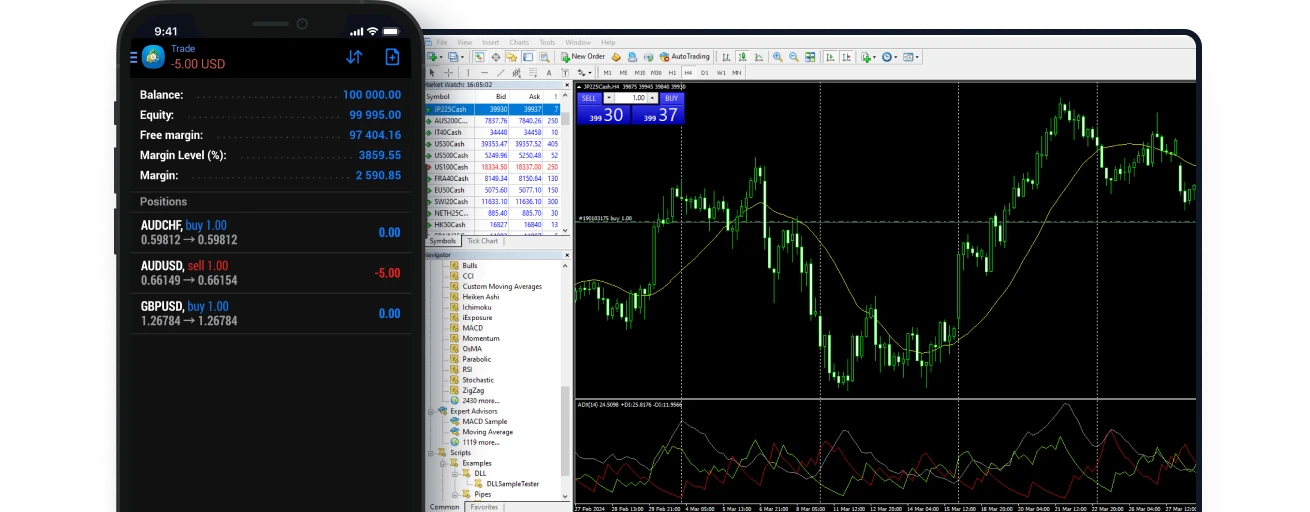
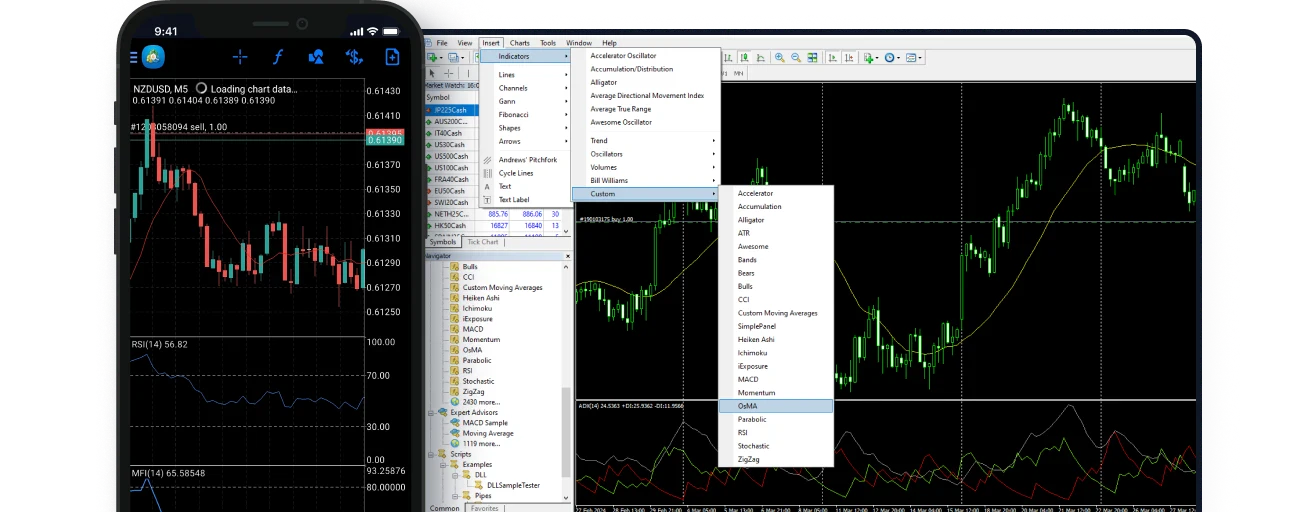
XM currently lists MT5 for PC, Mac, MT5 WebTrader, tablet and mobile. Feature coverage differs by device, while EA development, MQL5 and strategy testing remain primarily desktop workflows.
04
Is XM App the same as MT4 or MT5?
No. XM lists MT4, MT5 and XM App as separate platform routes. XM App is XM’s own mobile application, while MetaTrader apps belong to the corresponding MT4 or MT5 platform environment.
05
Can WebTrader run Expert Advisors?
WebTrader supports browser-based account access, charting and order management, but it does not replace the desktop MetaTrader automation environment. EAs, MetaEditor and Strategy Tester are desktop-focused.
06
What information is needed to log in to XM MetaTrader?
MetaTrader login normally requires the trading account ID, trading password and matching server. XM profile credentials and MetaTrader trading-account credentials serve different purposes, so check the platform and server first if login fails.

 ZH
ZH
 English